
Register Domain
Updated 5 months ago
You can register and purchase a new domain directly through Umso. This allows you to search for available domains, select the one you want, and manage everything from your Umso dashboard.
How to register a domain
1. Access the Domains tab
Select the "Domains" tab in your main navigation next to "Sites". Click on it to open the domains management page.
2. Start domain search
Click the "Buy Domain" button to open the domain search interface.
3. Search for your domain
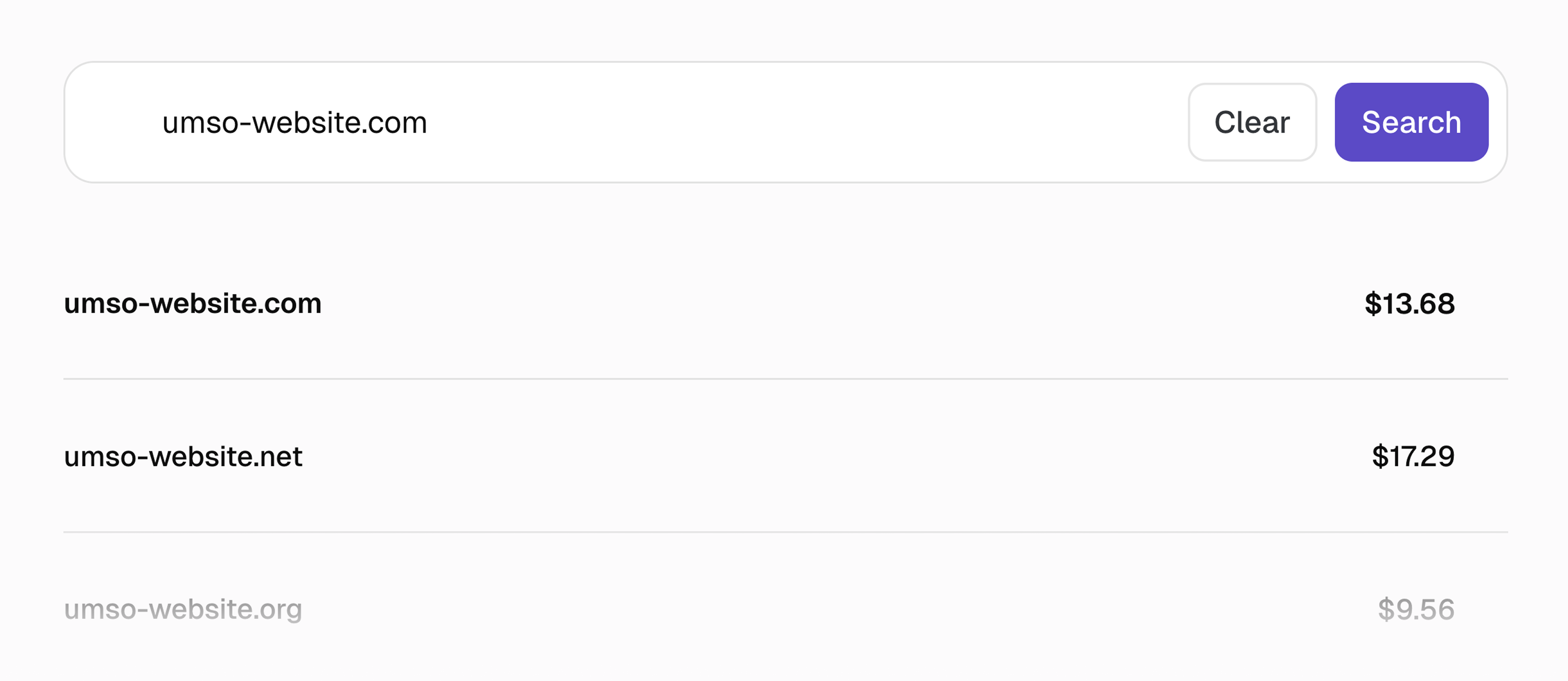
Enter your desired domain name in the search field. The system will show you available domains with different extensions (.com, .net, .org, etc.) and their prices.
4. Select and purchase
Choose the domain you want from the search results and follow the checkout process to complete your purchase. Registrants need to be verified.
After registration
Once registered, your domain will appear in your Domains list. From there, you can:
Your newly registered domain is automatically configured to work with Umso. WHOIS privacy and domain lock are enabled by default (if possible) for your security and privacy.
Related articles
Domain Settings - Overview of all domain management options
Transfer Domain to Umso - Transfer your domain from another provider to Umso