
Transfering your Site
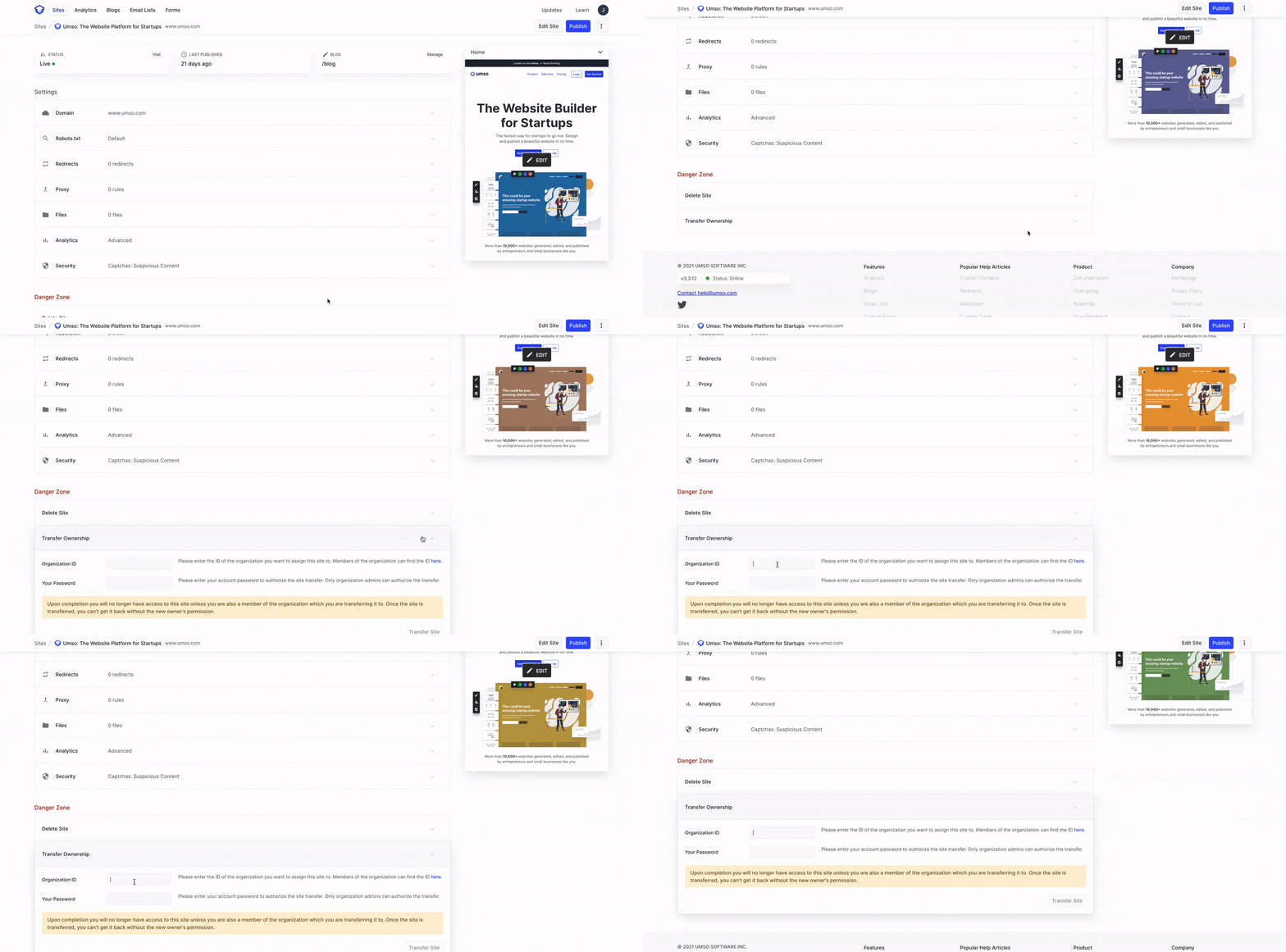
If you want to transfer your legacy sites to an external team, the process is straightforward. Go to your site settings and scroll down to find the transfer ownership toggle. Before proceeding, make sure you have the new team's organization ID and your user password on hand.
Site transfer is only available for v1 and v2 sites. For v3 sites you can duplicate your site to a different organization. Learn more about duplicating your site.
For detailed instructions on duplicating your site to an external team (that works for new sites), check out our article. It provides step-by-step guidance to help you through the transfer process.
Was this helpful?