
Duplicating your Site
Please note that you can not duplicate your site to an external team that you are not part of. If you want to duplicate your site, whether it's to the same team or another team you belong to, there are a couple of simple methods you can follow.
To duplicate your site within the same team, start by going to the sites dashboard. Look for the options icon and click on it. From there, you'll find the option to duplicate your site.
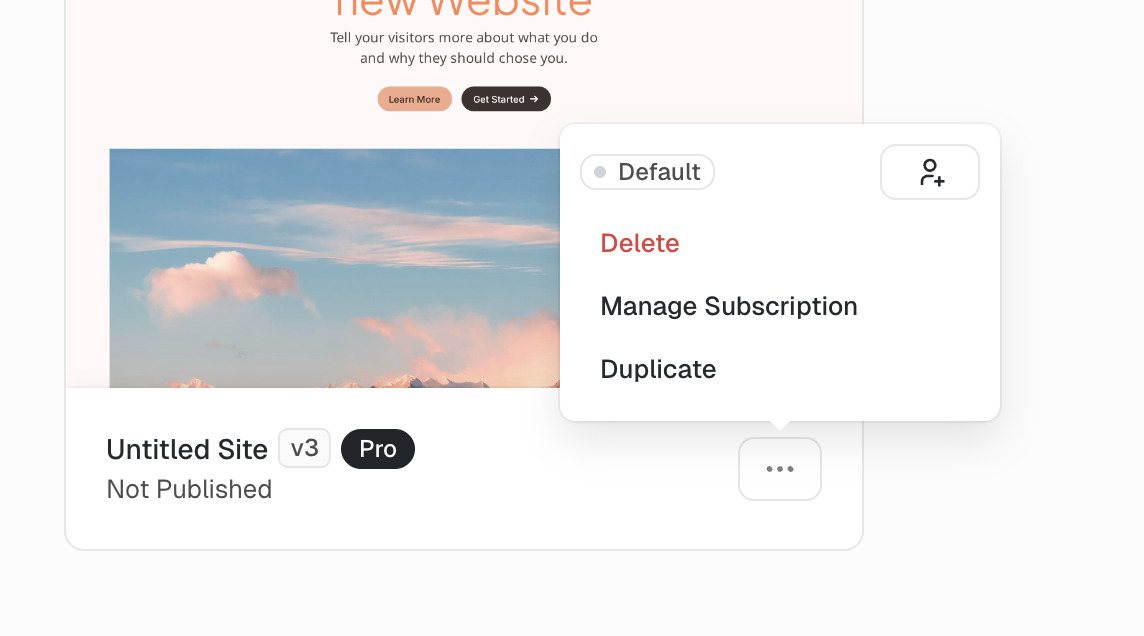
Site Dashboard
Alternatively, you can access your site settings and find the options icon located in the top right corner. Click on it, and you'll see the duplicate option.
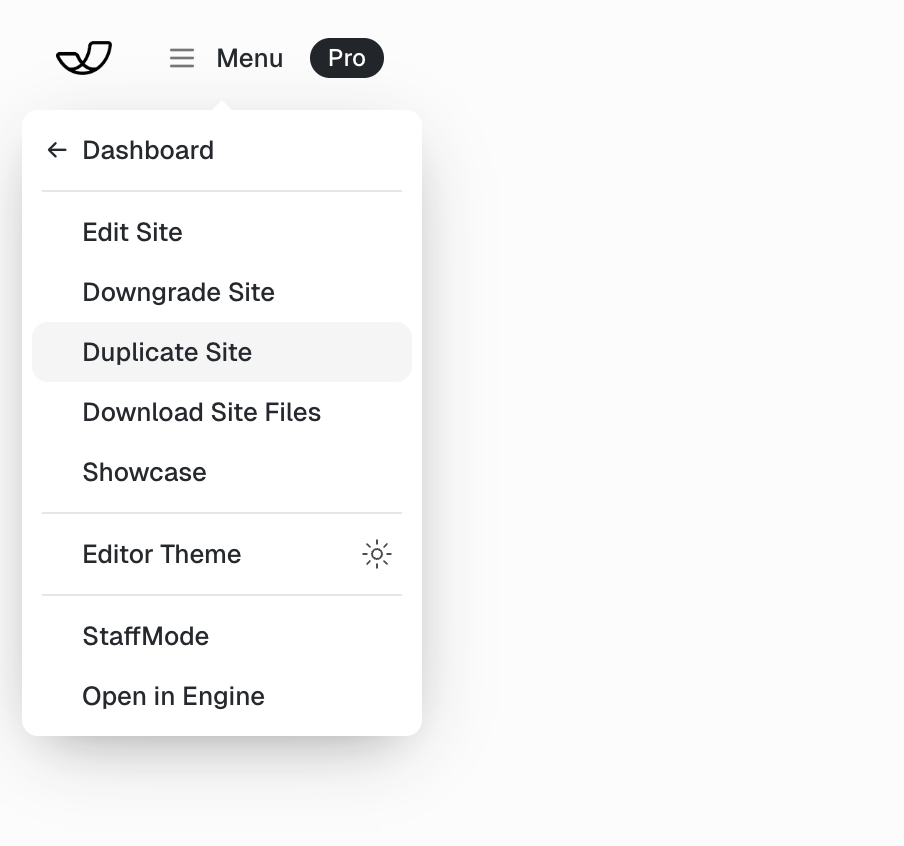
Duplication Settings
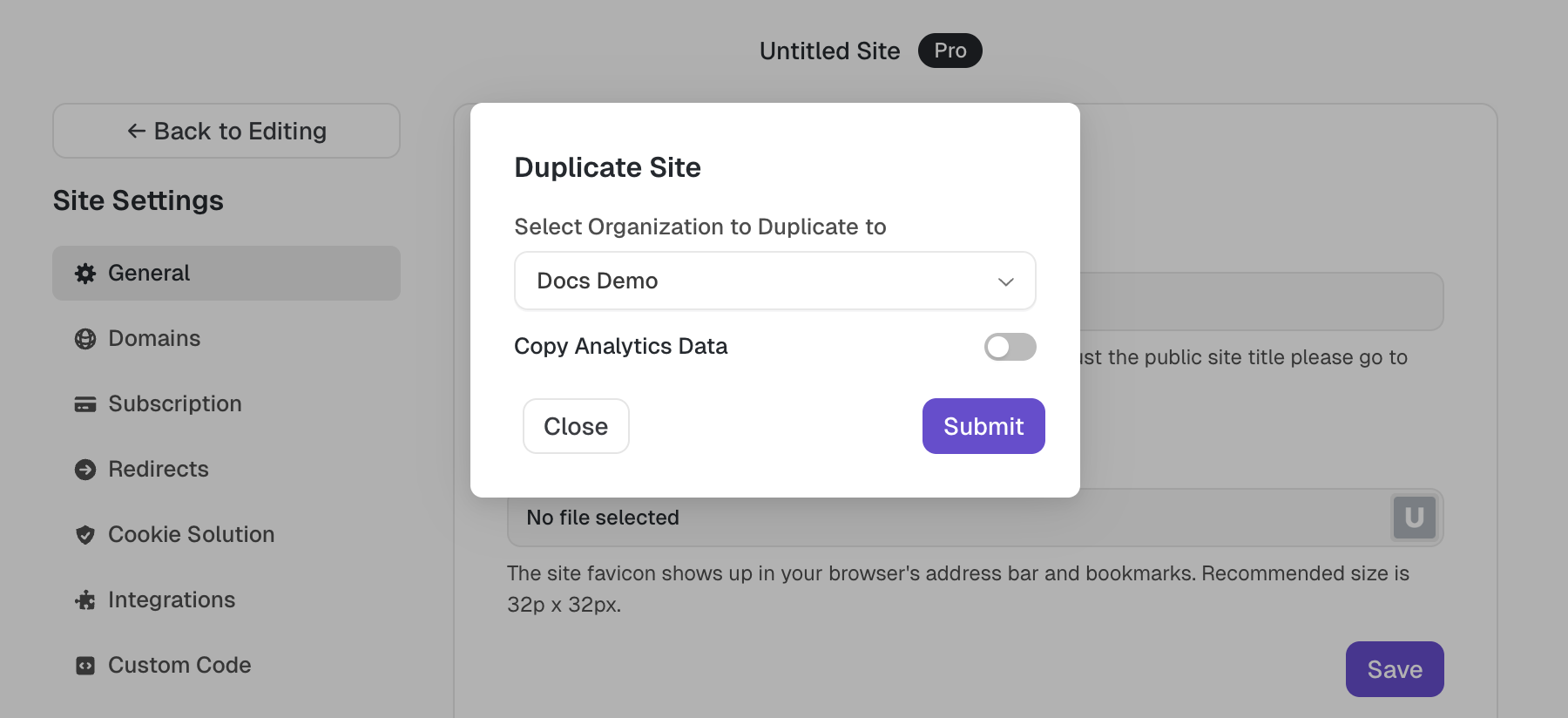
When duplicating your site from the site settings, you'll have the flexibility to choose the organization you want to duplicate it to. In the settings, you'll find a dropdown menu that displays all the teams you belong to, allowing you to select the desired destination.
Copying Analytics Data
When you duplicate your site you have the option to copy all the historical analytics data of the original site to the new site. That way you can keep your historical data if you plan to make the new copy your new primary website.