
Deleting a Page
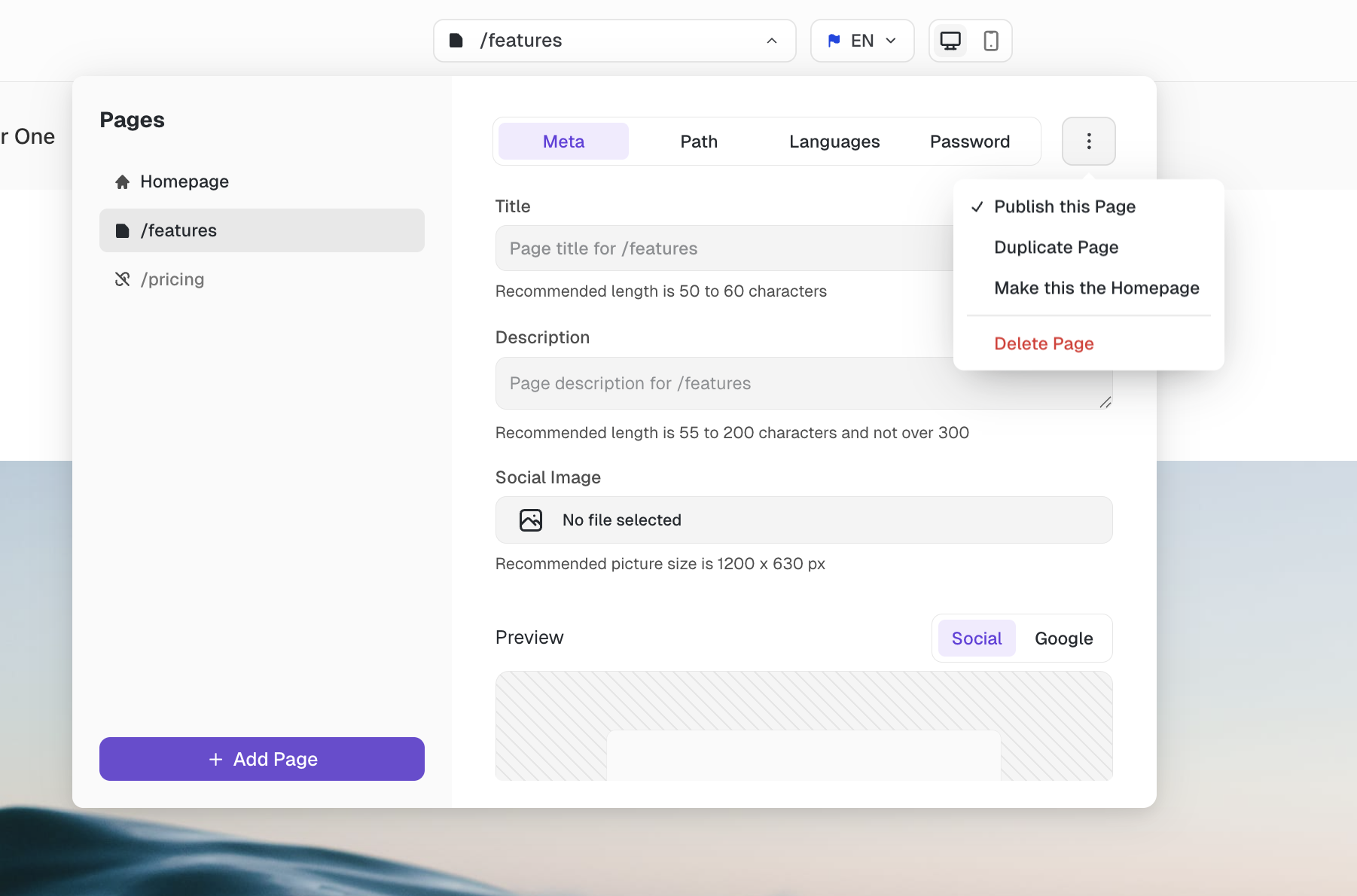
You can delete a page by navigating to this page with the Page Picker and clicking the 3-dot menu at the top right. Then click "Delete Page" at the bottom.
Be careful, deleted pages can't be brought back!
Was this helpful?
You can delete a page by navigating to this page with the Page Picker and clicking the 3-dot menu at the top right. Then click "Delete Page" at the bottom.
Be careful, deleted pages can't be brought back!