
Change the Homepage
You can make any page your new homepage. To change your homepage:
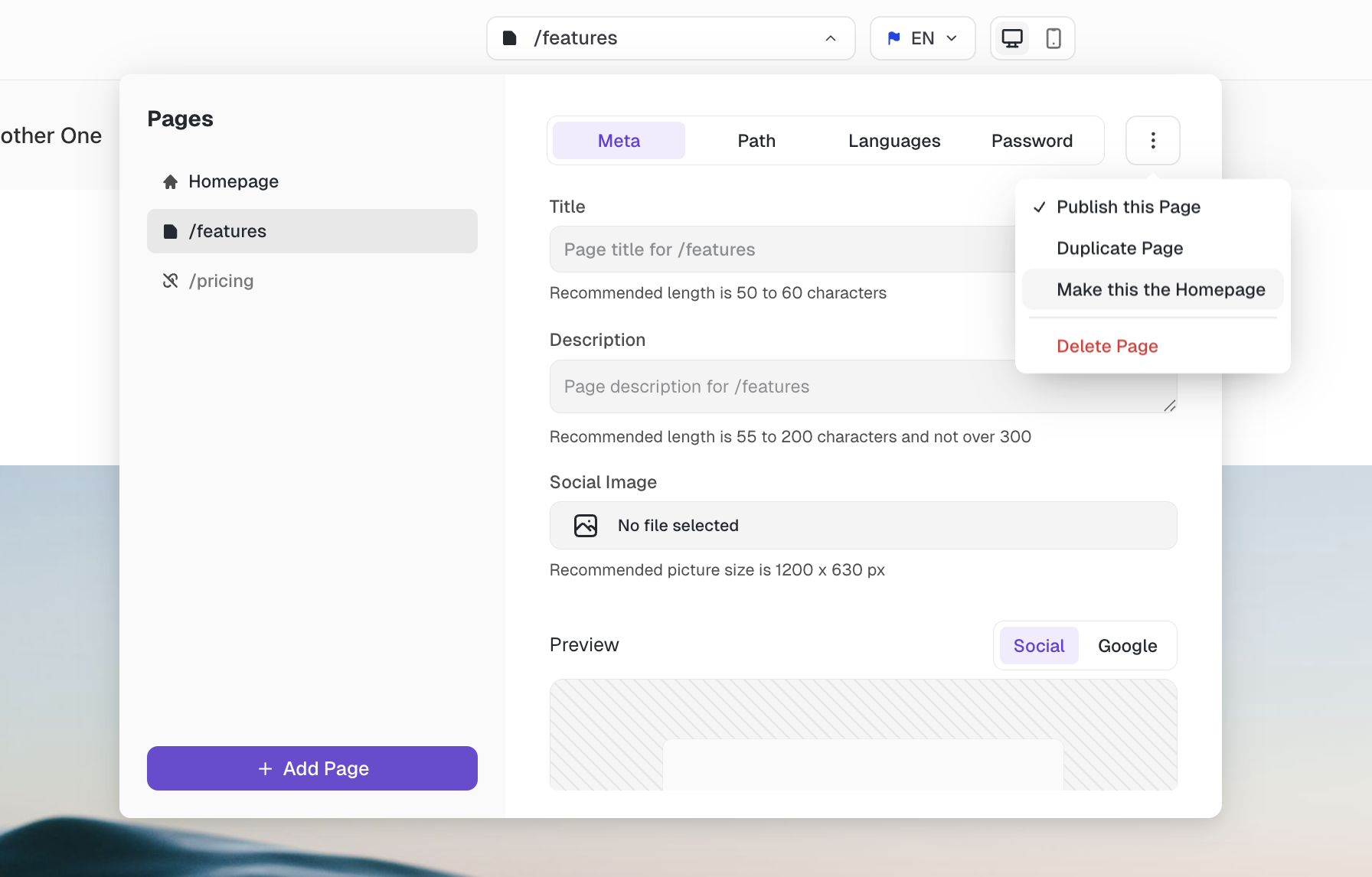
Open the page picker on top of the editor
Click on the page you want to turn into the homepage in the left sidebar
Click the 3-dot menu on the top right
Click on "Make this the Homepage"
On the next screen, enter the new URL for the previous homepage
Click on "Confirm"
The previous homepage will be moved to the URL you entered in step 5.
Was this helpful?